Purpose
What Afterimage does.
Aim
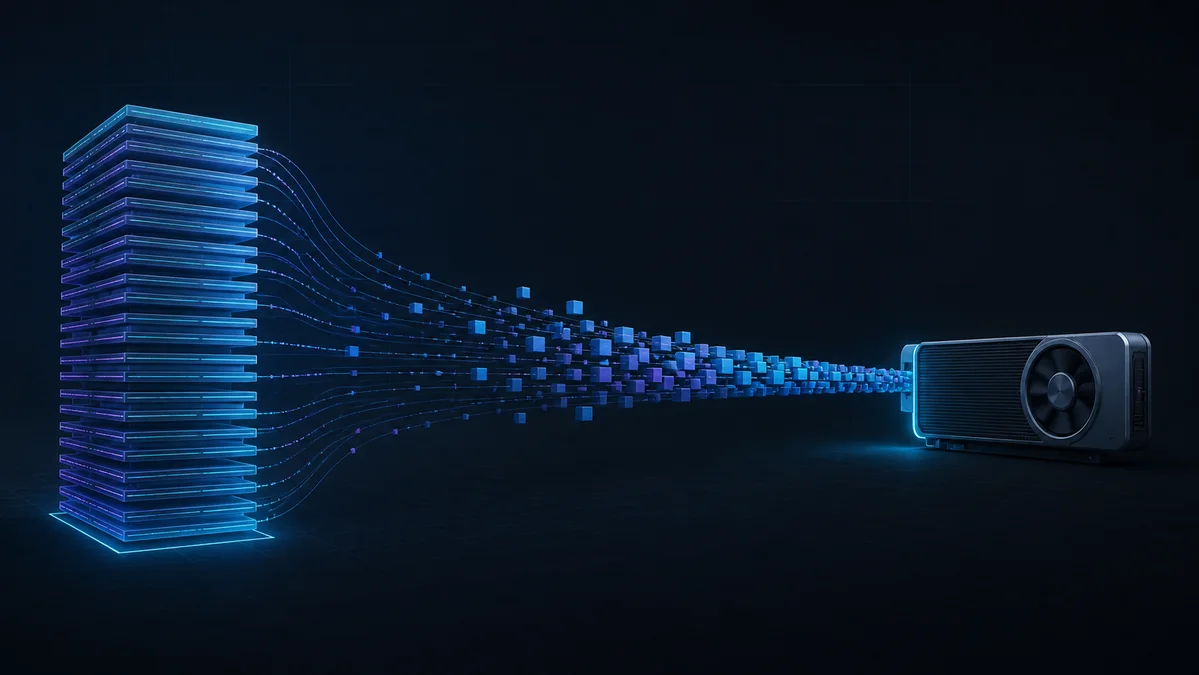
Run a model larger than GPU memory without reducing the precision of its stored weights by loading only the layers needed at each moment.
What it does
Lossless weight storage and layerwise CUDA streaming executed a 29.536 GB BF16 model on an 8 GB GPU. The tradeoff is disk-bound latency measured in seconds per token.
Good at
- 29.5 GB model on 8 GB GPU
- Lossless weights
Flow
The Afterimage flow.
- 01
Inspect
Estimate download, store, host memory, and VRAM requirements.
- 02
Compress
Build a lossless on-disk store from the original model weights.
- 03
Plan
Choose exact residency and optional speculative decoding settings.
- 04
Stream
Move each required layer through the available GPU memory.
- 05
Measure
Record latency, peak memory, exactness, and named baselines.
Try it